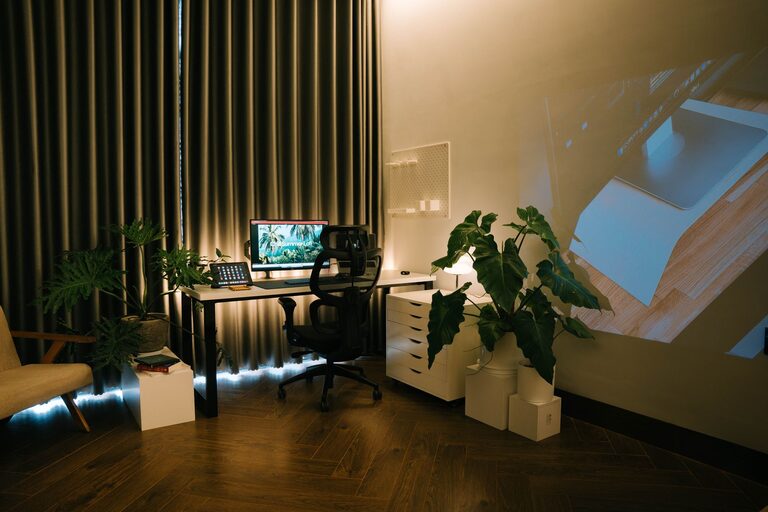











A cluttered or dull workspace can affect your focus and creativity. Sometimes all it takes is a short burst of tidying and refreshing to create a more inviting and efficient environment. The good news is, you don’t need hours of cleaning or redecorating to feel a positive change. In just ten minutes, you can transform your workspace into a more pleasant and motivating place to work. Here’s a simple, step-by-step guide to help you refresh your workspace quickly and effectively.
Why Refresh Your Workspace?
Your workspace directly influences your productivity and mood. A messy or uninspiring desk can create distractions and lead to stress. On the other hand, a clean, organized, and personalized space encourages focus and creativity. Taking a few minutes to refresh your workspace helps you reset mentally and physically — giving you a clearer headspace for the tasks ahead.
Quick Workspace Refresh: A Ten-Minute Plan
1. Set a Timer (1 minute)
Start by setting a timer for ten minutes. This helps keep you focused and ensures the refresh is quick and efficient. Knowing you only have a limited time can make the task feel less overwhelming.
2. Clear the Surface (3 minutes)
Remove everything from your desk or primary work area. This includes papers, gadgets, mugs, and any miscellaneous items.
– Quickly sort items into three piles: keep, relocate, and trash.
– Throw away any obvious trash like old receipts or empty wrappers.
– Put away items that belong elsewhere (kitchen, living room, etc.).
Wiping your desk surface at this stage will feel easier once it’s bare.
3. Wipe Down Your Workspace (2 minutes)
Grab a disinfectant wipe or a damp cloth and clean your desk, keyboard, mouse, and monitor screen. Dust and grime build-up can be distracting, and a fresh surface feels more inviting. Don’t forget high-touch areas like your phone or desk buttons.
4. Organize Essential Items (2 minutes)
Return only the items you use daily to your desk:
– Place your computer and accessories neatly.
– Arrange pens, notebooks, and planners within easy reach.
– Use organizers or trays if you have them to keep things tidy.
– Keep cables neat with clips or ties.
5. Add a Touch of Nature (1 minute)
Having a small plant or a vase with fresh flowers can brighten your workspace and improve air quality. If you don’t have real plants, a simple photo or artwork can also add a refreshing vibe.
6. Adjust Lighting and Personal Touches (1 minute)
Good lighting reduces eye strain and improves mood. Open blinds for natural light or reposition lamps to brighten your space. Add a personal touch like a motivational quote, a favorite photo, or a small decorative item that makes you smile.
Bonus Tips for Keeping Your Workspace Fresh
– Daily 5-minute tidy: Spend a few minutes every day clearing clutter before starting work.
– Declutter weekly: Schedule a longer tidying session once a week to prevent buildup.
– Ergonomic check: Occasionally adjust your chair, monitor height, and keyboard placement for comfort.
– Digital cleanup: Organize your desktop and files regularly to complement your physical space.
Conclusion
Refreshing your workspace doesn’t require a big effort or time commitment. With just ten minutes and a focused plan, you can clear clutter, clean surfaces, and add a bit of personality to create a workspace that feels inviting and productive. Make this quick refresh part of your routine and enjoy a more pleasant workday every day.
Remember, a clear space can lead to a clear mind!